> For the complete documentation index, see [llms.txt](https://support.novel.com/llms.txt). Markdown versions of documentation pages are available by appending `.md` to page URLs; this page is available as [Markdown](https://support.novel.com/start-guide/source-tags.md).
# Source Tags
Track attribution of wallet pass installs using source tags
## Overview
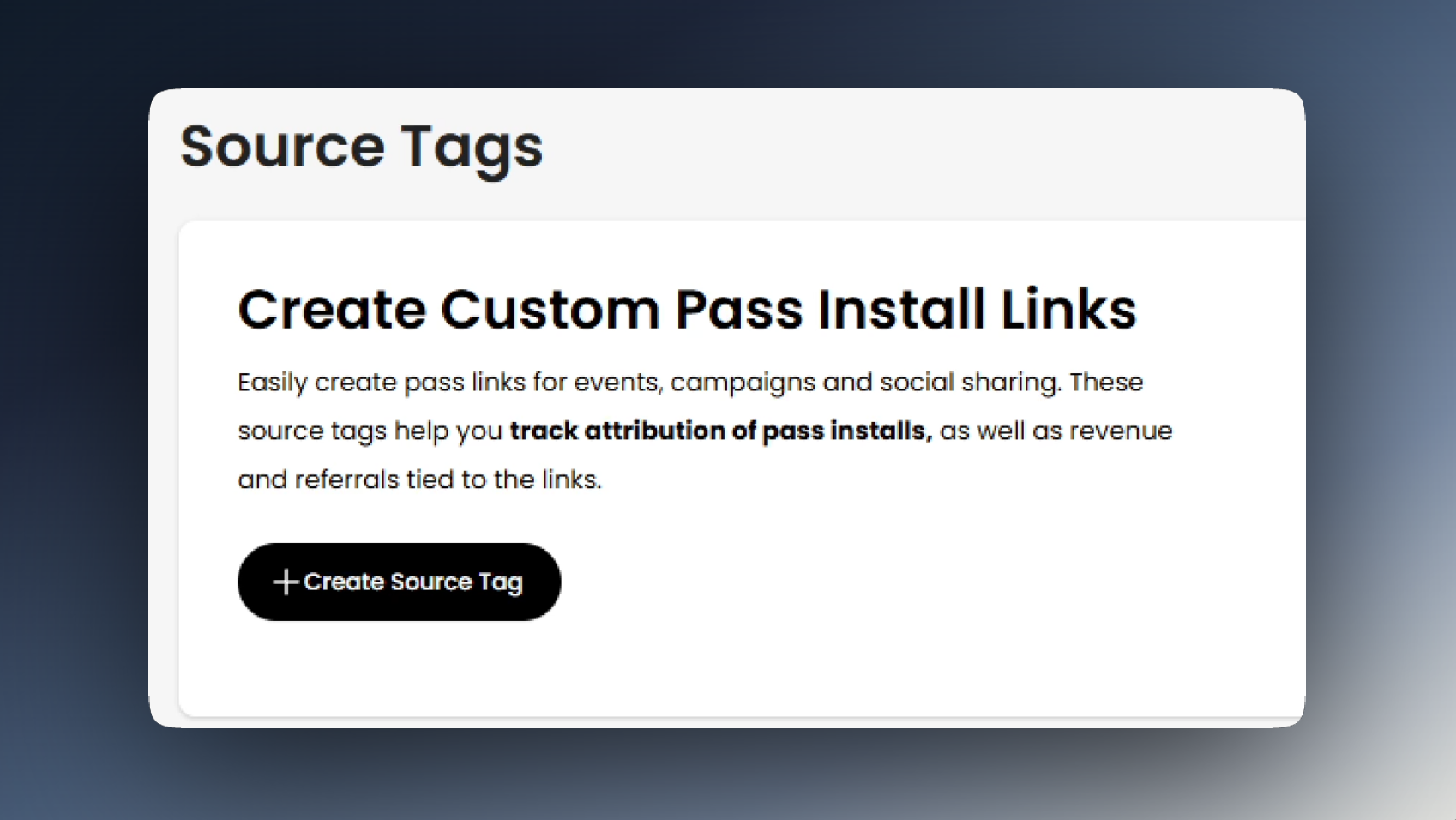
Source Tags are how you track the performance of wallet pass distribution across all channels. To configure your source tags, navigate to **Pass Distribution tab -> Install Source Tags**. Click Create Source Tag to generate your new link.
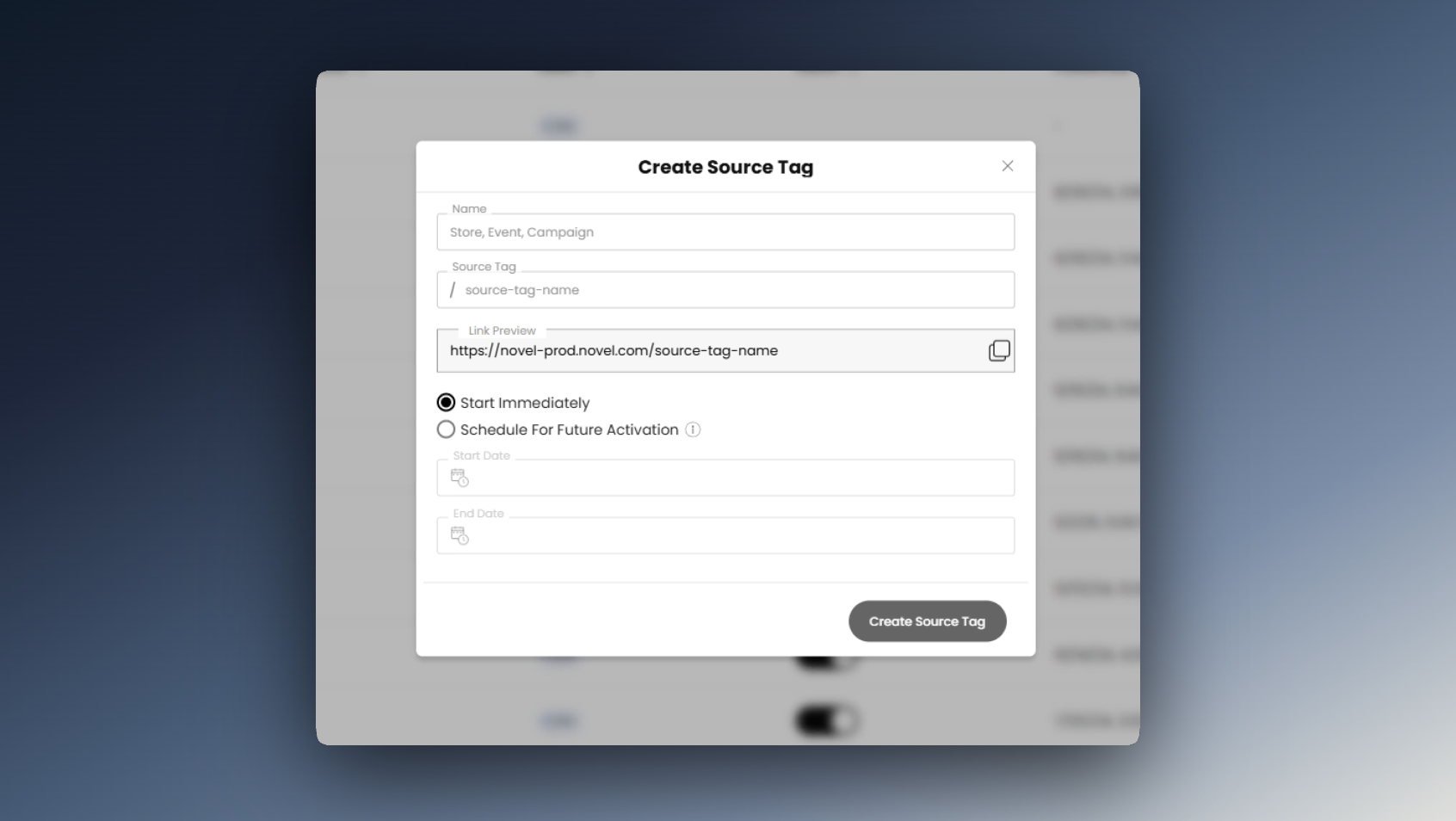
### Name
Type the name you would like for the Source Tag in the first field. This name does not show up in the link, it is only for you to see.
### Source Tag
In the second field you enter the Source Tag that will be part of the link. This will appear in the Link Preview.
### Schedule
By default, Start Immediately is selected so that your link will be live as soon as you click Create. You also have the option to Schedule out the window when you would like the link to be live.
## Source Tag Management
Once your custom install link is made, you'll find it in the table below, listed with the number of installs and referrals for that link. There are also six premade links that you can use. Click the button next to the URL of the specified link to copy it and start sharing.